The verdict

Three colours. No jargon.

Green means the page looks safe. Amber means be careful — something about the connection or the page deserves a second look. Red means serious issues: stop and close the tab. Every verdict comes with the reasons in plain English, so you learn what to look for next time.
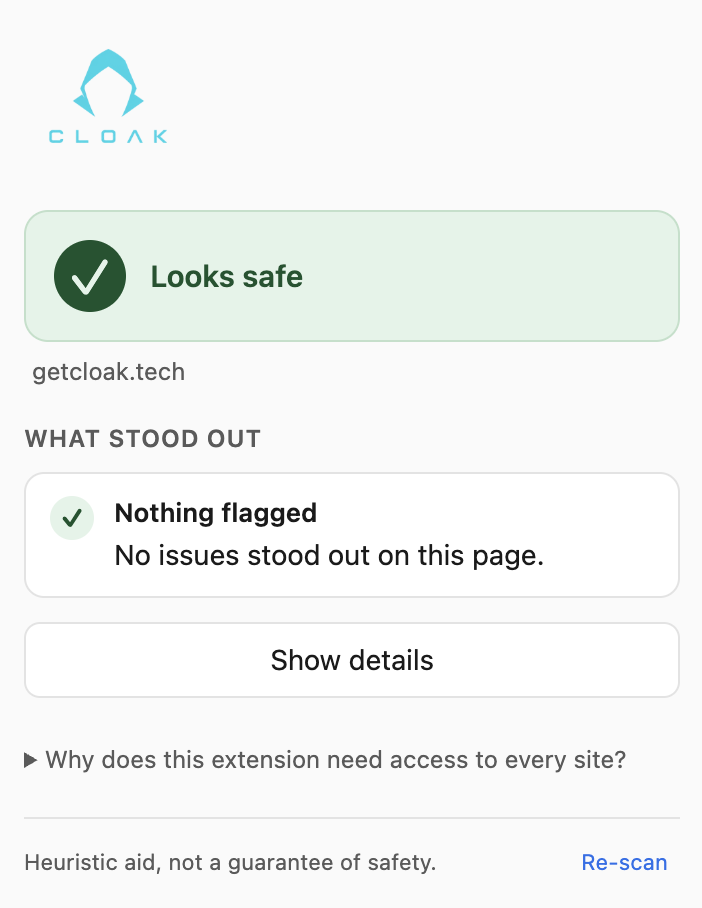
Cloak Check showing 'Looks safe' verdict on getcloak.tech, with no issues flagged.
Safe
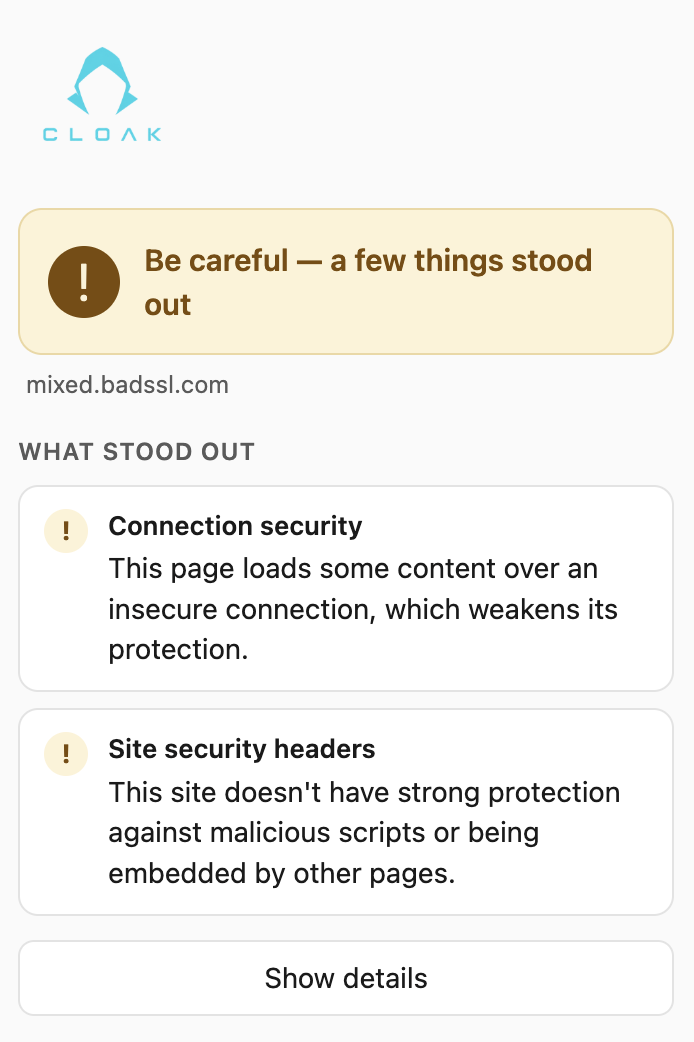
Cloak Check showing 'Be careful' verdict on mixed.badssl.com, flagging connection security and missing site headers.
Be careful
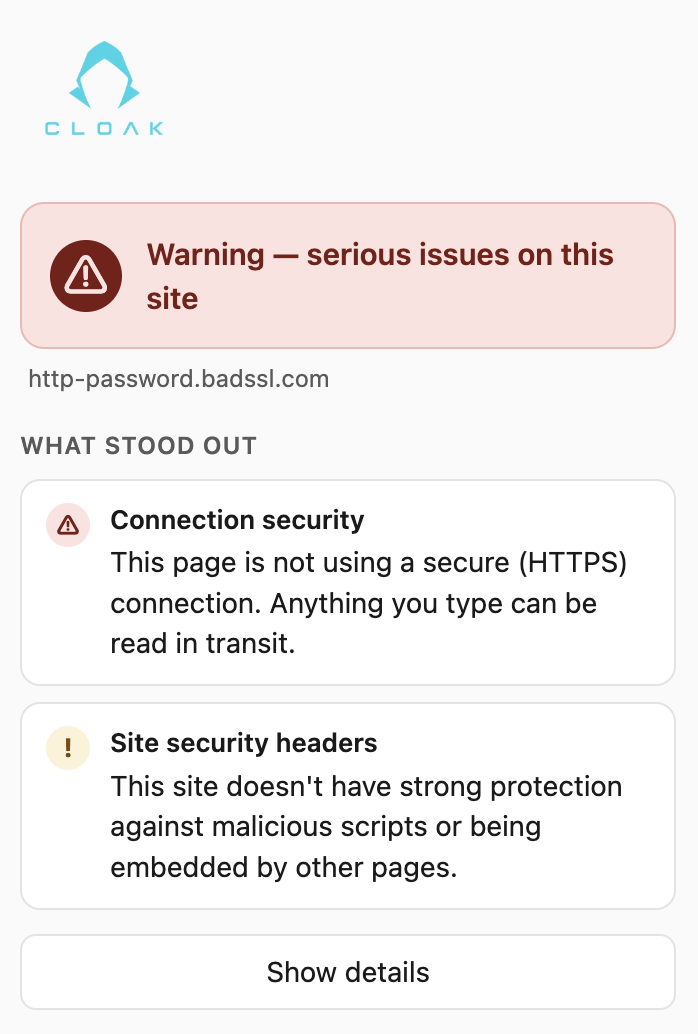
Cloak Check showing 'Warning — serious issues' on http-password.badssl.com, flagging insecure HTTPS and missing site headers.
Warning
Under the hood

What it checks

One click runs a bundle of checks on the page you're looking at — the same things a security-minded person would look for by hand, done in under a second.

Connection security
Is the page properly encrypted (HTTPS), or is anything on it loading insecurely?
Scam signals
Patterns that show up in scam pages — urgency bait, fake countdowns, too-good-to-be-true hooks.
Dodgy forms
Forms that ask for logins or payment details without the protections a legitimate site would have.
Brand impersonation
Pages dressed up as a brand they don't belong to — a classic phishing move.
Hidden click traps
Invisible overlays and disguised buttons designed to make you click something you didn't mean to.
Site headers
The security settings a well-run site declares — missing ones are a sign of a carelessly built page.

Private by design

Cloak Check runs entirely inside your browser. It doesn't send the pages you visit anywhere, doesn't phone home, and doesn't need an account. There's nothing to configure and nothing to worry about — which also makes it easy to recommend to students and parents.
100% local No telemetry No account needed Free Manifest V3
In the classroom

A live demo that lands

Run Cloak Check on a real page in front of a class and the abstract idea of "checking whether a site is safe" becomes a one-click habit students can copy. It pairs naturally with the free classroom activities — especially Would You Click? — and it's an easy, concrete recommendation for parents' evenings: free, nothing to set up, nothing shared.

iOS Android Coming soon
Cloak Scan — the mobile app

The same instant verdict, on the apps students actually share links in — share a link to Cloak Scan, scan a QR code, or paste a URL. In development now.

Get notified when it launches →

Something not right? If you've spotted a bug, a wrong verdict, or anything that doesn't behave the way you'd expect, tell us on the Cloak Check support page — reports like that make the checks better for everyone.